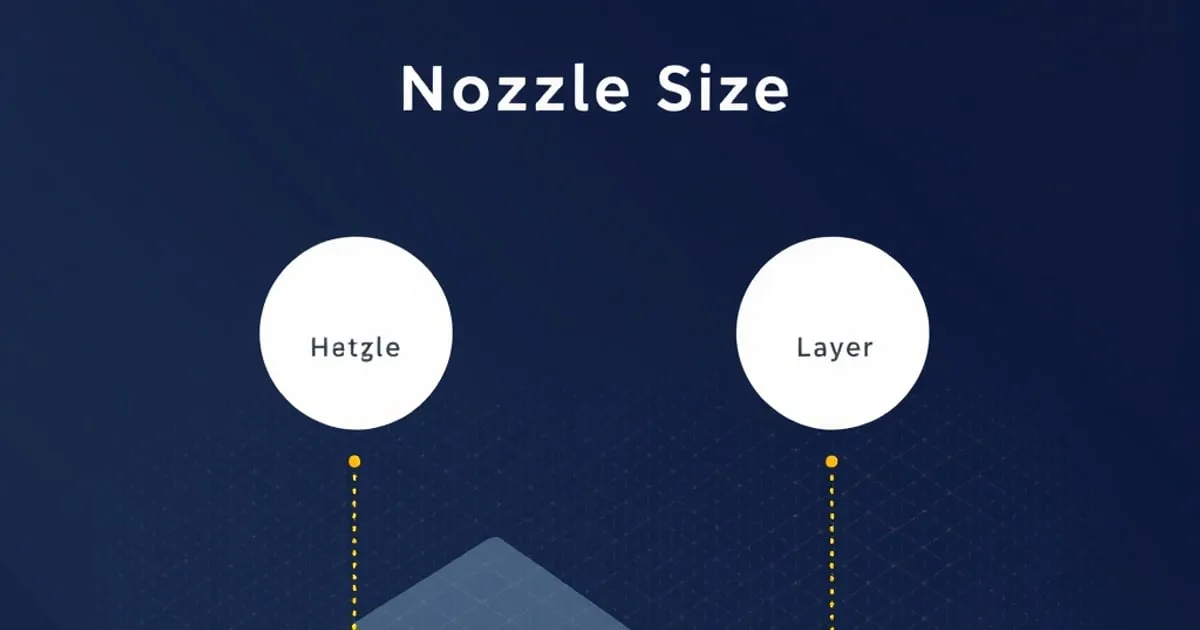
Nozzle Size and Layer Height: How to Choose Both Together
Nozzle diameter and layer height aren't independent settings — one constrains the other. A reference guide to picking both for detail, strength, or speed, including the layer-height rules tied to nozzle size.
Layer height is the setting most people touch first when they want better-looking prints, and nozzle size is the one most people never touch at all. That’s backwards more often than you’d think. The two are linked: your nozzle diameter sets the floor and ceiling for usable layer heights, and the nozzle is frequently the better lever for the result you actually want. This guide treats them as the coupled pair they are.
Why They’re Coupled
The nozzle’s orifice diameter sets the width of a printed line. Layer height sets its thickness. Together they define the cross-section of every extruded bead, and there are physical limits to how tall or short that bead can be relative to its width before it stops bonding properly.
Two rules of thumb bound the usable range, both expressed as a fraction of nozzle diameter:
- Maximum layer height ≈ 75% of nozzle diameter. Above this, a fresh layer doesn’t have enough contact area pressed into the one below it, and layer adhesion suffers. Some sources stretch the rule to 80%; treat that as the absolute ceiling, not a target.
- Minimum layer height ≈ 25% of nozzle diameter. Below this, the flattened bead spreads too wide and you lose dimensional control and waste time for no real quality gain.
For the standard 0.4mm nozzle, that puts the practical range at roughly 0.1mm to 0.3mm, with 0.32mm as the hard upper limit. Most printers do their best work in the middle of that band — around 40-60% of nozzle diameter, or about 0.16-0.24mm for a 0.4mm nozzle.
Layer Height: What It Buys You
Within the usable range, layer height trades quality against time directly:
- Fine (0.1-0.12mm on a 0.4mm nozzle): smoothest curves and least visible layer lines. Significantly slower — halving layer height roughly doubles print time. Reserve it for display pieces and parts with prominent curved surfaces.
- Standard (0.2mm): the default sweet spot for almost everything. Good quality, reasonable speed.
- Coarse (0.28-0.32mm): fast and strong, but visible layers. Good for functional parts where appearance doesn’t matter.
A point that surprises people: thicker layers are often stronger in the Z direction, because each layer has more cross-section and fewer inter-layer bonds across the part’s height. If a part is failing by splitting along layer lines, a taller layer height can help as much as more walls.
Nozzle Size: The Underused Lever
The 0.4mm nozzle is the default because it balances detail, speed, and reliability. But it’s not the right choice for every job, and swapping it is one of the highest-impact changes available.
Smaller Nozzles (0.2mm, 0.25mm)
A smaller orifice prints finer lines, capturing detail a 0.4mm nozzle can’t — fine text, small miniatures, intricate surface features.
- Gains: sharper small features, thinner achievable walls.
- Costs: much slower (thinner lines mean more passes), more prone to clogging, and far less tolerant of any filament with particles — glow-in-the-dark, glass-fill, and carbon-fill will jam a small nozzle quickly.
Larger Nozzles (0.6mm, 0.8mm, 1.0mm)
A larger orifice lays down wider, taller lines, dramatically cutting print time on big or chunky parts.
- Gains: big speed increase, stronger functional parts (wider lines bond more material), better with abrasive and particle-filled filaments.
- Costs: coarser detail. A 0.8mm nozzle can’t render fine features, and small text disappears.
A 0.6mm nozzle is an underrated middle ground for functional printing: noticeably faster than 0.4mm, stronger walls, and still enough detail for most mechanical parts. Its usable layer-height range scales up too — by the 75% rule, a 0.6mm nozzle reaches up to about 0.45mm layers.
Line Width Sits Between Them
There’s a third related setting worth knowing: line width (extrusion width). The slicer doesn’t force line width to equal nozzle diameter — you can print a 0.45mm line from a 0.4mm nozzle, or push a 0.4mm nozzle to lay down lines as wide as roughly 0.6-0.7mm at the extreme.
Widening line width on inner walls and infill increases strength and cuts time with little visual cost, because those lines aren’t on the visible surface. It’s a way to get some of a larger nozzle’s benefits without changing hardware. Keep outer-wall line width near the nozzle diameter for clean surfaces.
Choosing for the Job
| Goal | Nozzle | Layer height | Note |
|---|---|---|---|
| Maximum detail / miniatures | 0.2-0.25mm | 0.05-0.12mm | Slow; avoid filled filaments |
| General-purpose default | 0.4mm | 0.2mm | The all-rounder |
| Smooth display curves | 0.4mm | 0.12mm | Slow but clean |
| Functional / mechanical | 0.6mm | 0.3mm | Strong and fast |
| Large or draft prints | 0.8mm | 0.4-0.5mm | Fast; coarse detail |
| Abrasive filaments | 0.6mm+ hardened | match nozzle | Hardened steel required |
Practical Notes
- Changing nozzle means re-checking calibration. Different nozzle diameter changes flow behavior; re-verify flow rate and re-set z-offset after a swap.
- Abrasive filaments need hardened nozzles regardless of size. Carbon-fill, glass-fill, and metal-fill chew through brass quickly, widening the orifice and ruining dimensional accuracy. Use hardened steel or ruby.
- Match layer height to the surface, not the whole print. Some slicers support variable layer height — fine layers on curved or sloped surfaces, coarse layers on vertical walls — which captures most of the quality of a fine layer height at most of the speed of a coarse one.
The biggest missed opportunity here is treating the 0.4mm nozzle as permanent. For a maker who mostly prints functional parts, a 0.6mm nozzle and a 0.3mm layer height roughly halves print time with stronger results. For someone printing miniatures, a 0.2mm nozzle is transformative. The nozzle is hardware, but it’s cheap hardware, and matching it to your actual workload pays back fast. Once you’ve picked a combination, dial in the new flow rate per our temperature and flow calibration guidance over at fdmdesk ↗.
For more context, Bambu Lab printer reviews ↗ covers related topics in depth.
Related
Bed Leveling Explained: Manual vs Auto and How ABL Probes Work
What bed leveling actually corrects, the difference between manual leveling and automatic bed leveling, and how the common ABL probe types — inductive, eddy current, BLTouch, and strain gauge — sense the bed.
3D Printer Bed Surface Guide: PEI, Glass, Garolite, and When
Bed surface choice affects adhesion, release, warp resistance, and surface finish. This reference guide covers PEI (textured and smooth), glass, Garolite, BuildTak, and magnetic flex systems — with material-specific recommendations.

Print Speed vs Quality: Where Input Shaping Changes the Math
What actually limits print speed, why high-speed printers don't all show ringing, and how input shaping and pressure advance let modern FDM machines run fast without the usual quality penalty.